How to Renew Your DEMAT & MeroShare Online – Step-by-Step Guide for 2025
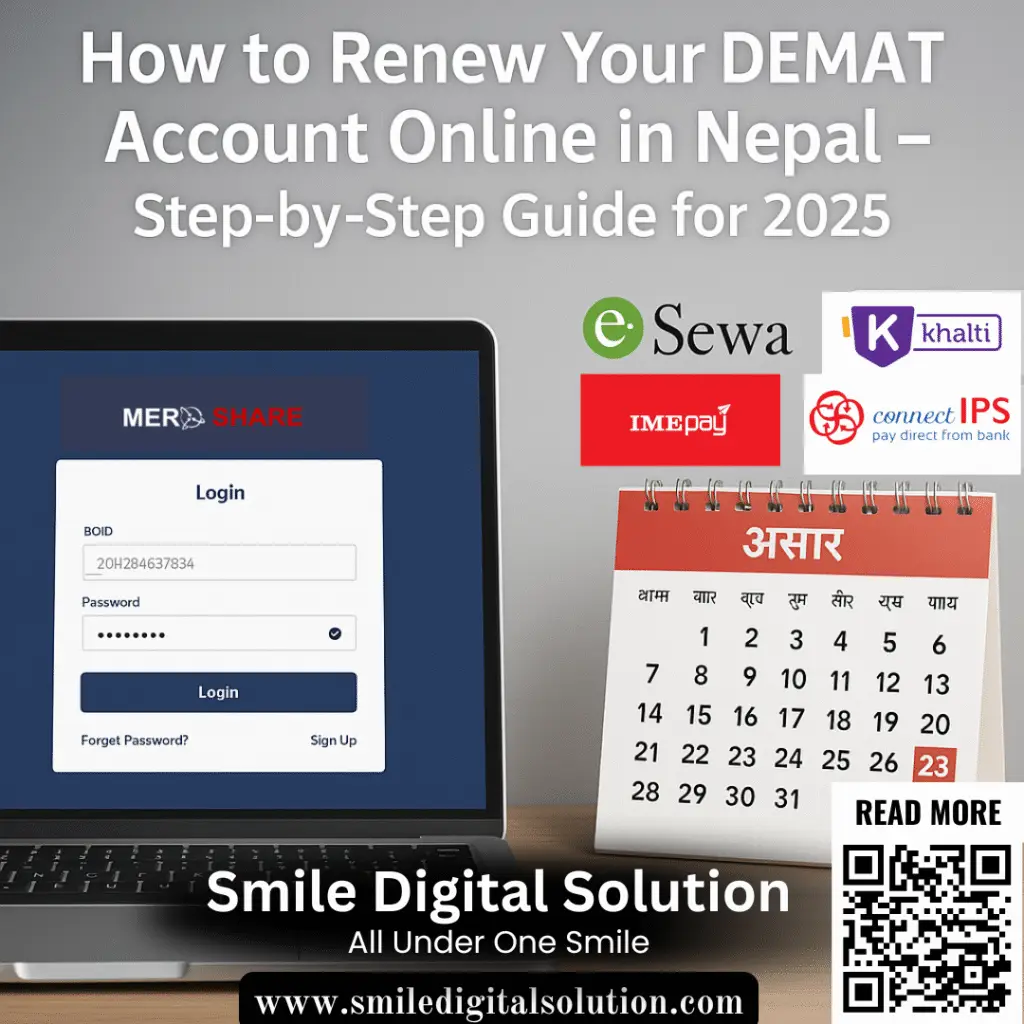

Is your DEMAT & MeroShare account due for renewal? Don’t risk getting it frozen! In Nepal, DEMAT accounts must be renewed annually by the end of Asar (mid-July). Failure to do so can result in your account being blocked, preventing you from buying or selling shares. Fortunately, the renewal process is quick and easy—and can be done entirely online.
In this guide, we’ll walk you through how to renew your Demat & Meroshare account online in Nepal — quickly and hassle-free. Whether you’re a beginner or an experienced investor, this tutorial will help you avoid last-minute issues and ensure your investment stays secure.
Why Renew Your Demat Account?
Your Demat account, essential for holding digital securities, requires annual renewal. Failing to do so by the end of Ashar can lead to your account being frozen, preventing any transactions. Additionally, “Mero Share” – the platform used for online IPO, FPO, and right share applications – also needs to be renewed to ensure seamless participation in new issues.
What You Need to Know About Fees:
- Demat Account Renewal: Rs. 100 per year
- Mero Share Renewal: Rs. 50 per year (required for online applications)
Many deposit members also offer convenient lifetime renewal packages, eliminating the need for annual payments.
Your Step-by-Step Online Renewal Process
Two Convenient Ways :
You have two primary online methods to renew your Demat and Mero Share accounts, offering flexibility and convenience:
i. Through Meroshare Portal:
This is the most common and direct method for renewal.
- Log in to Meroshare
Visit Meroshare and log in using your credentials. - Go to Account Information
Click on your name at the top-right corner and select “Account Information.” - Click on “Renew Account”
You’ll see the option to renew your DEMAT and/or Meroshare account. - Choose Payment Method
Select your preferred payment gateway: - Make the Payment
Log in to the payment gateway and complete the transaction. - Confirmation
Once paid, your account will be renewed instantly.
ii. Through Mobile Banking Apps / Digital Wallets:
You can renew your Demat account using mobile banking, digital wallets, or online payment gateways. Here’s how:
✅ Option 1: Using eSewa or Khalti/Ime Pay
- Open your eSewa, Khalti or Ime Pay app.
- Go to “Financial Services” → Select “Demat Renewal”.
- Choose your Depository Participant (e.g., NIBL Ace, NMB Capital, etc.).
- Enter your BOID (16-digit Demat number).
- Confirm the amount (Rs. 100) and complete payment.
- You’ll receive a confirmation SMS or email instantly.
✅ Option 2: Mobile Banking Apps
- Log in to your bank’s mobile banking app.
- Navigate to “Demat Services” or “Securities Services”.
- Enter your BOID and confirm the Demat renewal fee.
- Make payment and save the receipt.
???? Tip: Make sure to verify the BOID number before submitting the payment to avoid transaction failures.
???? Important Things to Know
- Deadline: Last date for Demat renewal is Ashad end.
- Fee: Rs. 100 per account Demat & Rs. 50 per Account Meroshare.
- eSewa, Khalti, and Mobile Banking Apps may apply additional service charges.
- Connect IPS does not charge any service fees for payments up to Rs. 500, making it a cost-effective option.
- Confirmation: Save the digital receipt or screenshot as proof.
- Check Status: You can confirm your renewal on the CDSC (cdsc.com.np) portal or via your DP.
Current DEMAT Stats in Nepal
As of 2025, there are over 6.8 million DEMAT accounts in Nepal. However, many remain inactive due to missed renewals. Don’t let yours be one of them!
Stay Ahead and Ensure Seamless Trading
With these easy online renewal options, there’s no reason to risk a frozen Demat account. By following these simple steps, you can ensure your investment journey remains smooth and uninterrupted. Don’t wait until the last minute—renew your Demat account and Mero Share online today!
For more information, follow us & subscribe.
Last updated on July 7, 2025 at 7:48 pm