NotebookLM’s New Featured: Smarter Research and Learning (A Guide)
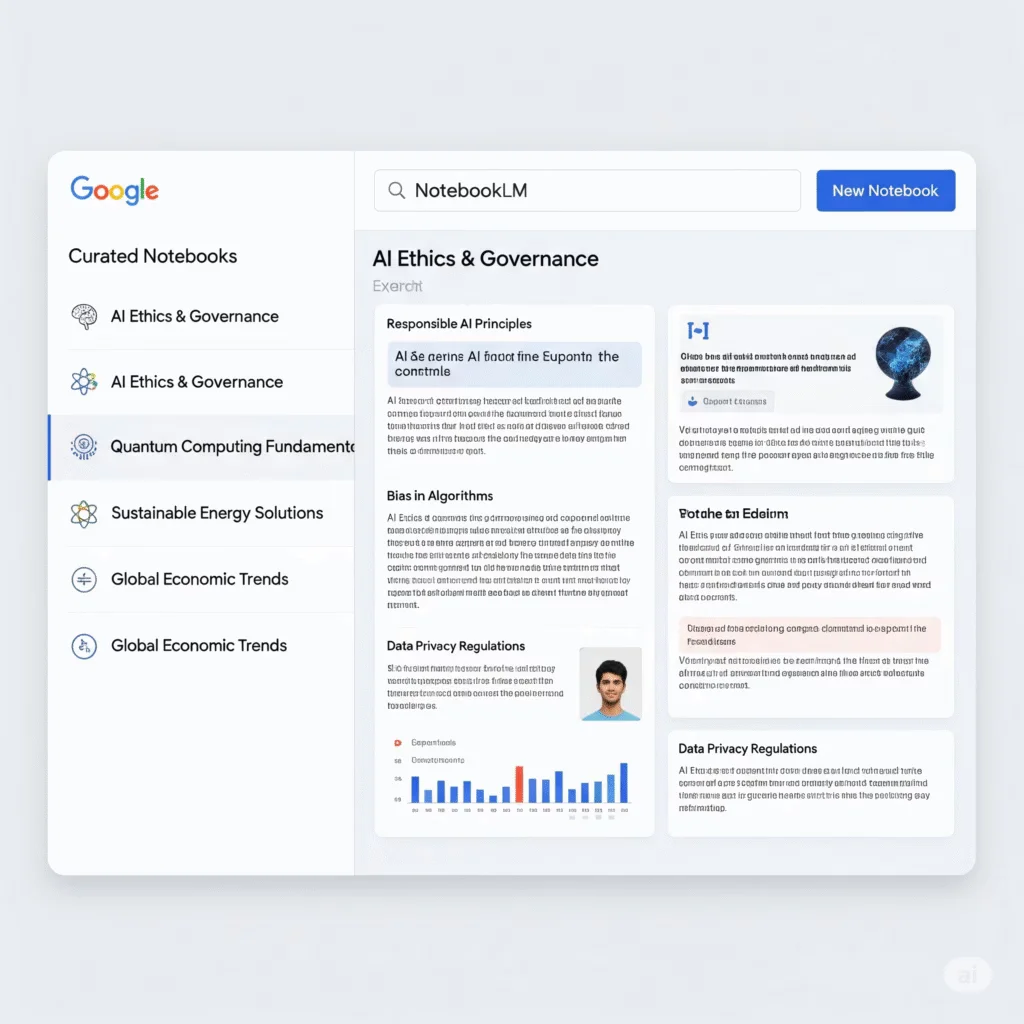

Google’s NotebookLM, an AI-powered research tool, introduced Featured Notebooks on July 14, 2025, in collaboration with partners like The Atlantic and The Economist. These curated collections offer high-quality, shareable content for diverse topics, from parenting to financial analysis. This guide explains how to access and use these notebooks to enhance your research and learning.
What Are Featured Notebooks?
Featured Notebooks are pre-curated collections in NotebookLM, powered by Gemini, designed to provide expert content on specific subjects. Examples include:
- Parenting advice from Jacqueline Nesi’s Techno Sapiens Substack.
- Shakespeare’s complete works for students and scholars.
- Q1 earnings reports for top 50 public companies, ideal for financial analysts.
These notebooks allow users to explore trusted sources using NotebookLM’s features like Audio Overviews, Mind Maps, and question-answering with citations.
How to Access Featured Notebooks
Follow these steps to start using Featured Notebooks in NotebookLM:
Step 1: Visit NotebookLM
- Go to notebooklm.google.com or open the NotebookLM mobile app (available on iOS 17+ or Android 10+).
- Sign in with your Google account. No subscription is required for the free version.
Step 2: Explore Featured Notebooks
- On the NotebookLM homepage, look for the Featured Notebooks section.
- Browse available collections, such as:
- Longevity advice from Dr. Eric Topol.
- Global wellbeing trends from Our World In Data.
- The Economist’s 2025 forecasts.
- Click a notebook to access its content.
Step 3: Interact with Notebook Features
- Read Sources: View original materials, like articles or reports, within the notebook.
- Ask Questions: Use the Chat panel to ask specific questions (e.g., “What are key parenting tips from Techno Sapiens?”). Responses include citations for fact-checking.
- Generate Audio Overviews: Click the Audio Overview button to create a podcast-style discussion in 50+ languages. Customize the focus or sophistication level via the “Customize” option.
- Create Mind Maps: Use the Mind Map feature to visualize connections between ideas in the notebook.
- Export Content: Convert content into formats like FAQs, study guides, or briefing docs via the Studio panel.
Step 4: Share or Customize
- Share notebooks publicly by generating a link (not available for Workspace users).
- Add your own sources (PDFs, Google Docs, YouTube URLs, or audio files) to combine with featured content.
- Use the “Discover Sources” feature to find additional web content for your topic.
Tips for Maximizing Featured Notebooks
- Choose Relevant Notebooks: Select collections that align with your goals, like academic research or market analysis.
- Use Audio Overviews for Learning: Listen to discussions on the go, especially for auditory learners. Download for offline use.
- Leverage Citations: Verify information by checking cited sources in the Chat panel.
- Combine Sources: Add personal documents to enhance the notebook’s relevance.
- Experiment with Formats: Try different output formats (e.g., study guides or timelines) to suit your needs.
Troubleshooting Common Issues
- Notebook Not Loading: Ensure a stable internet connection and refresh the page.
- Audio Overview Inaccuracies: Audio Overviews are experimental and may have errors. Verify with original sources.
- Limited Access: Some features, like NotebookLM Plus, require a subscription (Google One AI Premium or Workspace plans).
- Contact Google Support for further assistance.
Why Use Featured Notebooks?
- Trusted Content: Curated by experts like The Economist, ensuring reliable sources.
- Time-Saving: Pre-built notebooks reduce research time for students, professionals, or hobbyists.
- Versatile Tools: Combine Audio Overviews, Mind Maps, and chat for engaging, multi-format learning.
- Global Accessibility: Available in 200+ countries with multilingual support.
Conclusion
NotebookLM’s Featured Notebooks make research accessible and engaging, whether you’re studying Shakespeare or analyzing market trends. By leveraging AI tools like Audio Overviews and Mind Maps, you can explore high-quality content efficiently. Start exploring at https://notebooklm.google.com today.
Explore these tools via AI Mode or optimize your Study. Stay connected.
Last updated on July 20, 2025 at 2:50 pm